


Vlog for January 2021, Video Conf., Google Grants, and Social Media Personalization
3 Quick Reads to Help Accelerate Your Business
2020 didn’t change how business is done, it simply accelerated it. Here are the “3 Biggies,” to watch for in 2021.
- Rapid expansion of the use of video conferencing.
- Running a nonprofit? Why aren’t you getting your $120,000 in-kind donation from Google? What it is, how I can help.
- Social Media, accelerating your goals with personalization – it’s a thing.
This year marks my 25th year working as a webmaster and digital media specialist. Please feel free to reach out to me if you have any questions about digital media.
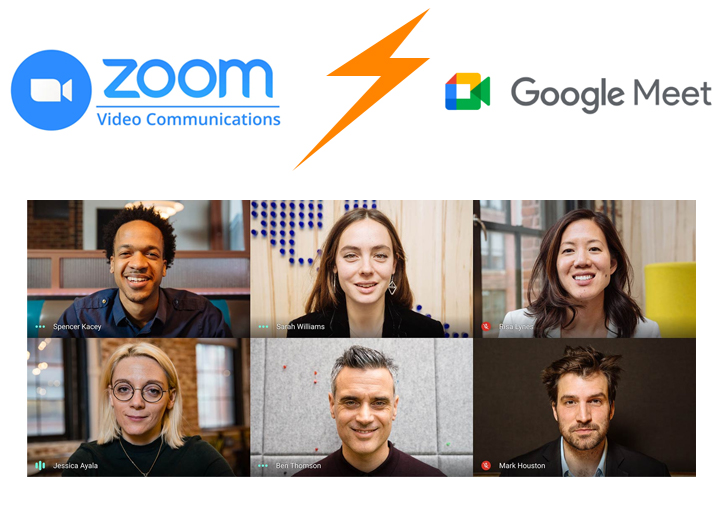
Zoom vs Google Meet
Zoom or Google Meet? I use both but there are some differences. Zoom does things Google Meet can’t, and Google Meet does things Zoom can’t. Zoom’s popularity begins with it’s ease-of-use. Google Meet is popular because it doesn’t require […]
Read more…
___________________
Google Grants
Google Grants is easy and fast. I’ve helped dozens of nonprofits apply and manage the $120,000 annual in-kind donation as well as setup and learn how to use Google Workspace (formerly G-Suite). Both offerings come with every approved application. That process […]
Read more…
___________________
Social Media for Business in 2021
Personalized Media There are many social media platforms, and even more tools within each one for business. This article focuses on one powerful tool that can be used on just about any major social media channel. A study by University of Texas showed […]
Read more…
___________________
Next week, I begin teaching online courses on Zoom, Google Meet, Youtube Live, and Facebook Live.
A Few Topics I Specialize In
- Video Conferencing for Professionals
- Integrating Zoom and Google Meet with native applications such as Google Calendar and Gmail.
- How to host large meetings effectively and reduce poor audio and video quality.
- Polling, surveys, messaging, and file sharing.
- WordPress Web Design
- Getting started from hosting and dashboard, to user setup, and creating pages and posts.
- Plugins, the good, the bad, and the ugly truth about them.
- Advanced features.
- Photoshop
- Introduction – installing CC, creating a canvass, using text, fonts, colors, and resizing/cropping images.
- Intermediate – Optmizing Photoshop for you computer.
- Vector stuff (line drawing with anchors).
- Color management with hues, curves, levels, and layers.
- Advanced – masking, advanced layers, effects, using Adobe Cloud for storage.
- Social Media
- Facebook basics to advanced page management.
- Advertising vs Organic.
- Retargeting and remarketing.
- Video and Live Streaming.
- Google Grants
- Everything you need to get started in 30 minutes.
- How to use the $120,000 in-kind donation.
- What is Google Workspace
- Getting started with Google Workspace.